Every word, on time
Words fill in as they are sung. It works for English, Hindi, Punjabi and more, even when the lyrics only come line by line.
 Lyra
Download
Free · open source · no account
Lyra reads what you are playing and shows it word by word, over the music video itself. A floating widget on Windows. A screen saver on your phone.
Screenshots straight from Lyra, playing a song with its music video behind the lyrics.
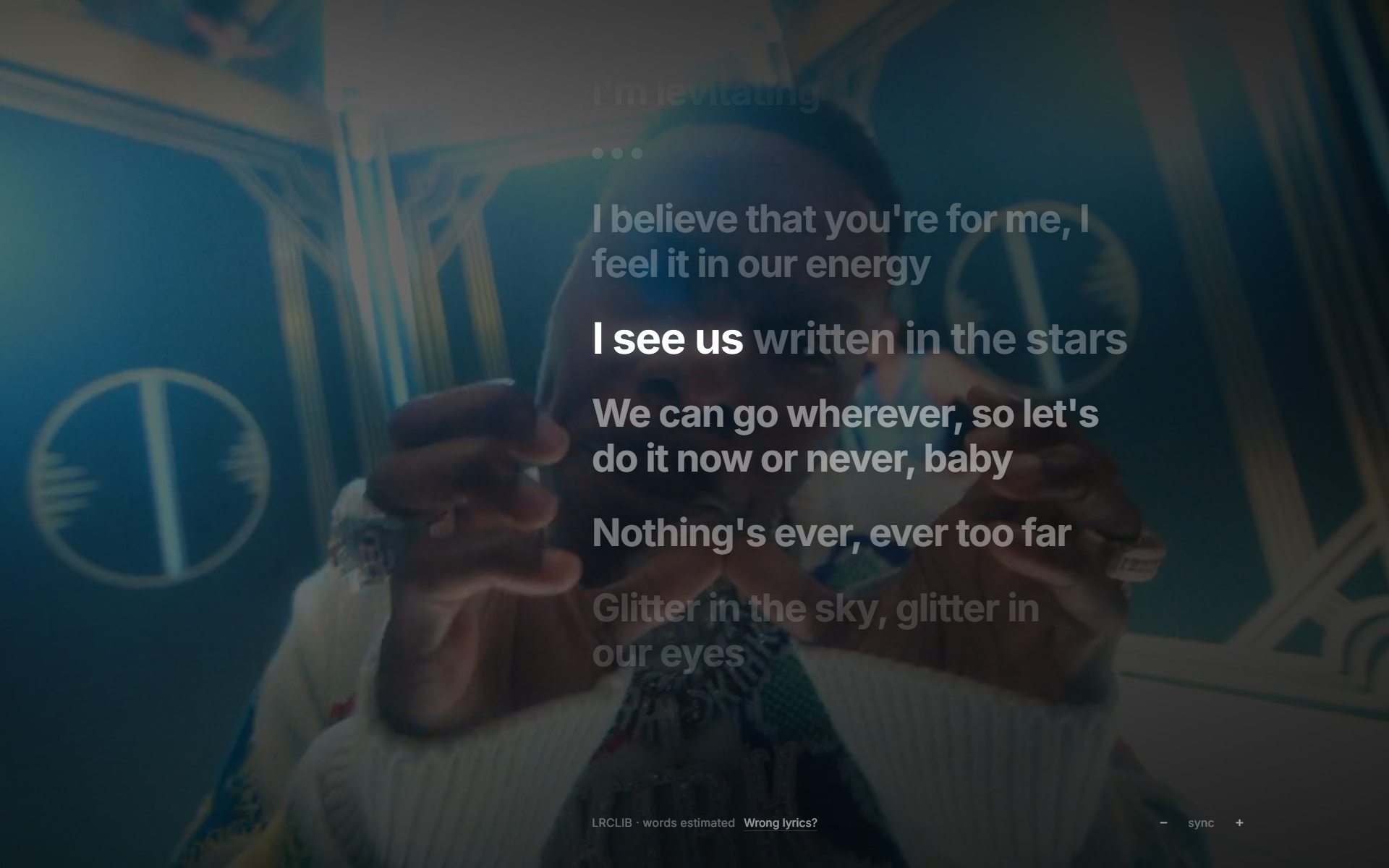
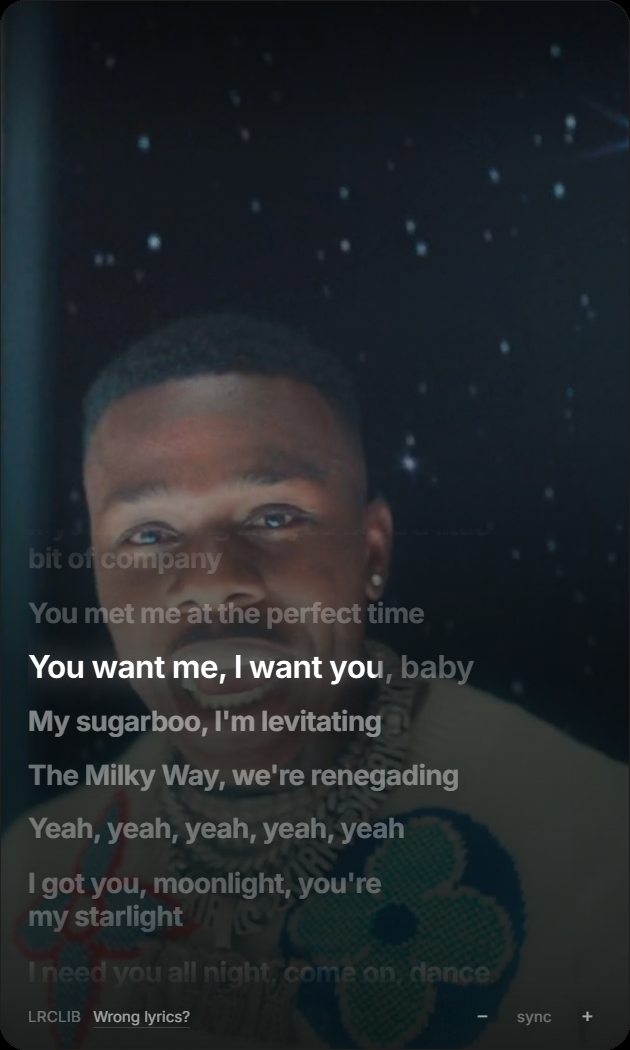
Screen recordings of Lyra on Windows, different songs, different moods.
Barsaat by Banjaare, start to finish, with the Hindi lyrics lighting up word by word over the video. Press play and turn your sound up.
The song and the video belong to Banjaare and Sony Music. They are shown here only to demo Lyra.
This preview runs the same way the app does. Play, skip, and click any lyric line to jump there.
Words fill in as they are sung. It works for English, Hindi, Punjabi and more, even when the lyrics only come line by line.
The official music video plays softly behind the lyrics. Your own clips work too.
The whole interface takes on the colours of the album art, and cross-fades between songs.
On Android, ambient mode turns your phone into a dim, drifting lyrics clock on the charger. It adapts to room light and stays easy on the battery.
The current line sits in a media card in the notification shade and on the lock screen.
Scroll the lyrics, tap any line, and the song seeks there.
No account, no tracking, no ads. Lyra only reads the now-playing card.
Android
Works with Spotify, YouTube Music and any player that shows a media card. Turn ambient mode on and the screen becomes a calm, lyrics-first display.
New · Lyra's sister app
Lyra shows lyrics for what Spotify plays. Vega is the other half: a complete music app that plays your own library and the open web, with Lyra's lyrics player built in. No Spotify needed.
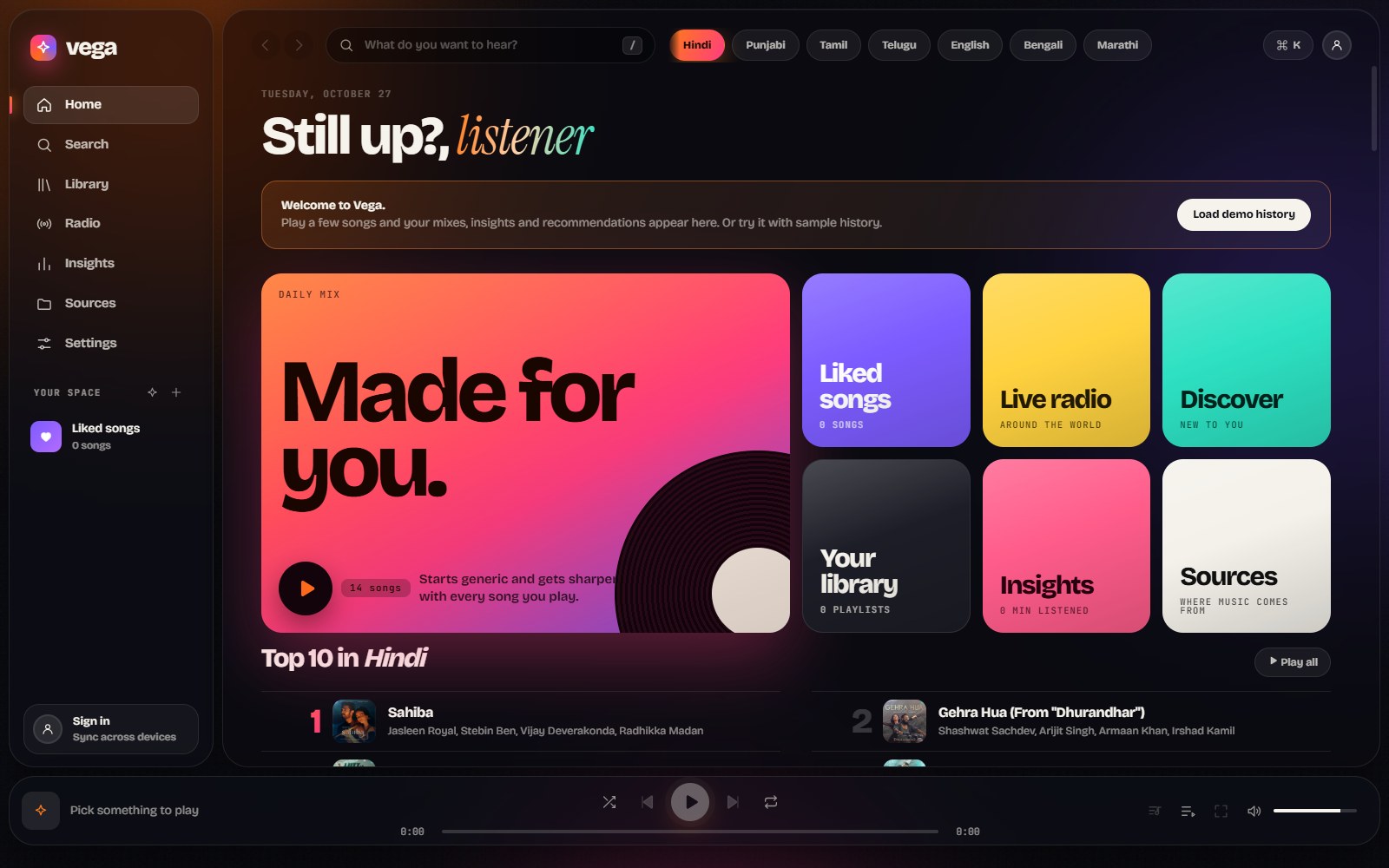
One search over your files, Audius, Jamendo and more. Press Ctrl+K to jump anywhere.
Point it at a music folder. Tags, covers and durations are read for you, and it all works offline.
Playlists you can reorder, smart playlists, live radio, and a radio from any song.
Top artists, genres and tracks, your listening clock and streaks. Stays on your device.
Daily mixes and discover lists learned from what you actually play.
The lyrics button opens Lyra's fullscreen player: word-by-word lyrics, video backgrounds, karaoke.
Free forever. Pick your device.
Windows 10 / 11
Download installerIf Windows SmartScreen warns, choose More info → Run anyway. The app is open source and not yet code-signed.
Android 8.0 or newer
Download APKGoogle Play Protect may block installs made straight from a browser. If you see App blocked to protect your device (no “install anyway” button): open the Play Store, tap your picture → Play Protect → the gear → switch off Scan apps with Play Protect, install Lyra, then switch it back on. Or install with adb install, or use Obtainium. Lyra asks for Notification access to see what is playing, which is why Google is careful; the code is open on GitHub.
MIT licensed. Read the code, build it yourself, send a pull request. Lyrics come from LRCLIB, the free community lyrics database.